
We send full-price customers to your restaurant
Rewards Network partners with the world’s most powerful loyalty programs to attract full-price guests to your restaurant.














We drive restaurant visits with the biggest names in loyalty
Our dining members accumulate rewards with world-renowned travel and retail partners for every dollar they spend at your restaurant – no discounts or promotional offers required.
We provide reward currencies from the most influential airline, hotel, and retail brands
To incentivize our exclusive community of 20 million dining members
To spend more within our network of 20,000 restaurants
Increase your guest count – not your discount
Wary of promotions that help your customers but hurt your business?
Rewards Network members are incentivized to spend – not just cash in on special offers.
Our dining members:
Spend as much as 24% more on average than other customers within our network of restaurants.
Have an annual credit card spend that’s 2.5x more than the average consumer.
Write verified online reviews and return to restaurants 20% more when a representative responds to them.
We provide proof of success in all that we do
Unlike other partners we don’t charge you for clicks and views. You only pay us when we attract full-price guests to your restaurant.
Access live sales reports and guest survey analytics to help run your business.
We market your restaurant locally and nationally, with no upfront costs or POS software.
Our dining community is made exclusively of verified members. Engage 1:1 with real guests and encourage return visits.
We pre-purchase food and beverage on behalf of the dining members we send you. That means you get fast access to capital without the hassle of a loan.
$3.2
billion in total cash
funded to restaurants
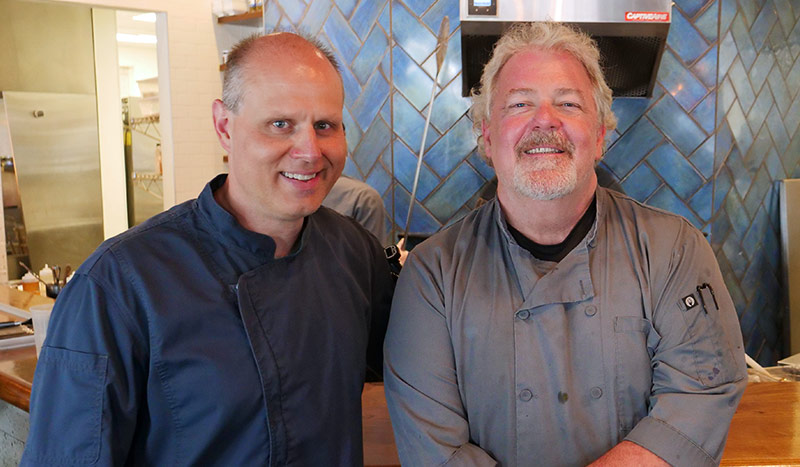
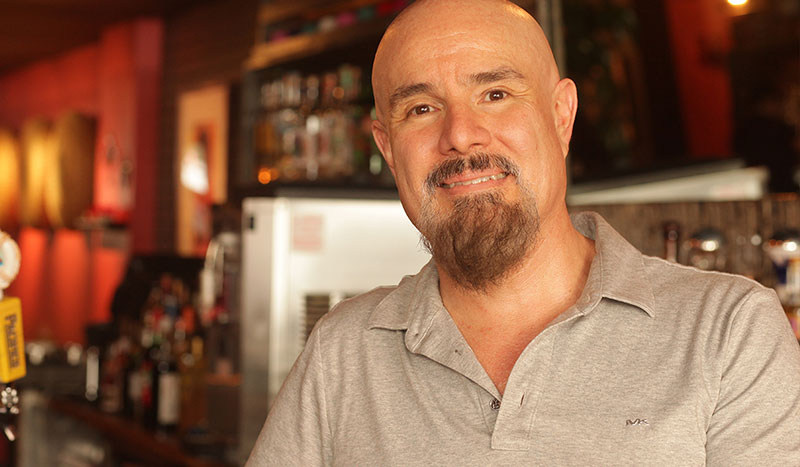
Hear the success stories of our partner restaurants

Access additional resources to help run your business
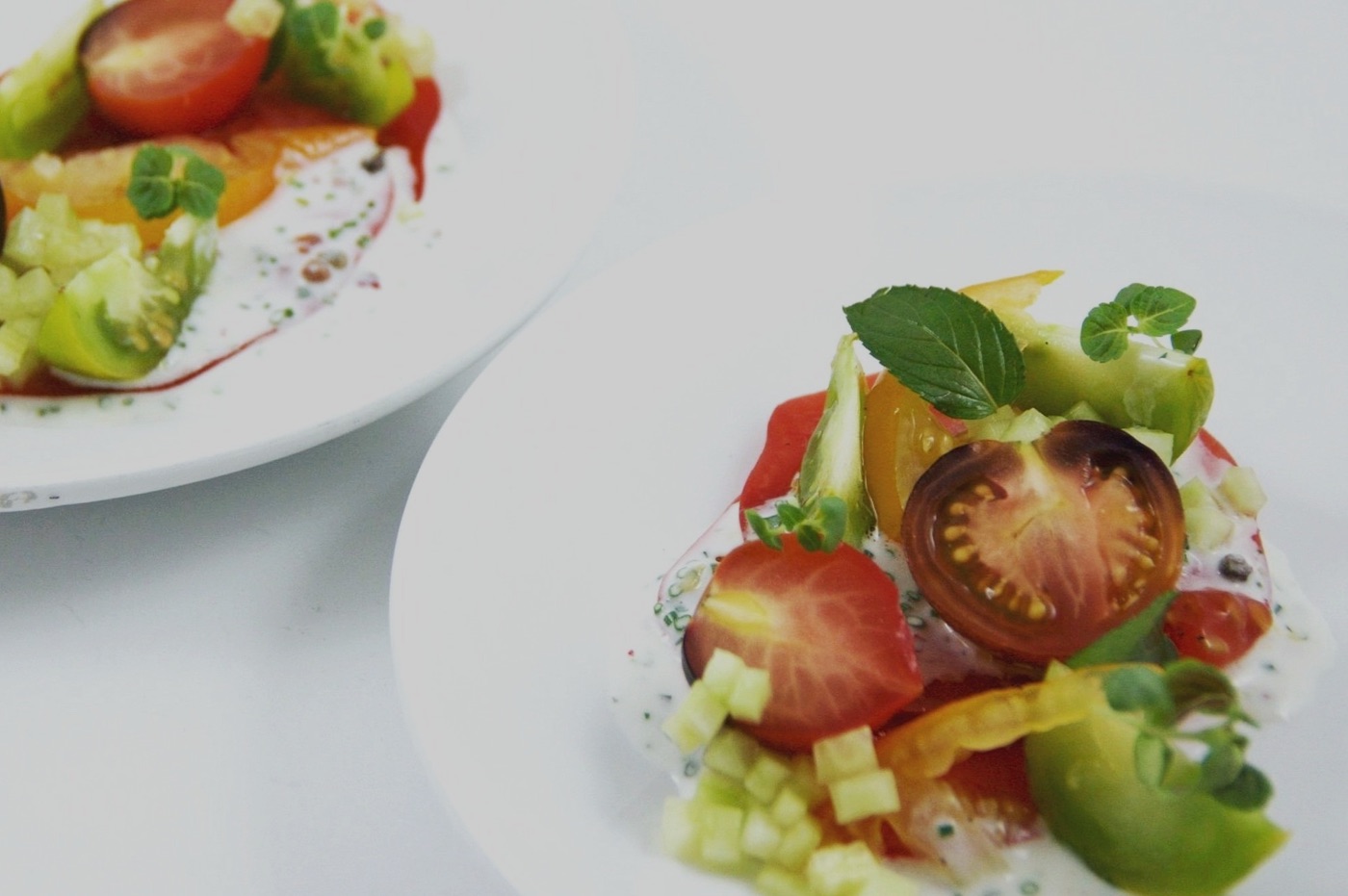
Infographic: wink restaurant & wine bar

Infographic: The Hamilton Supperette & Lounge
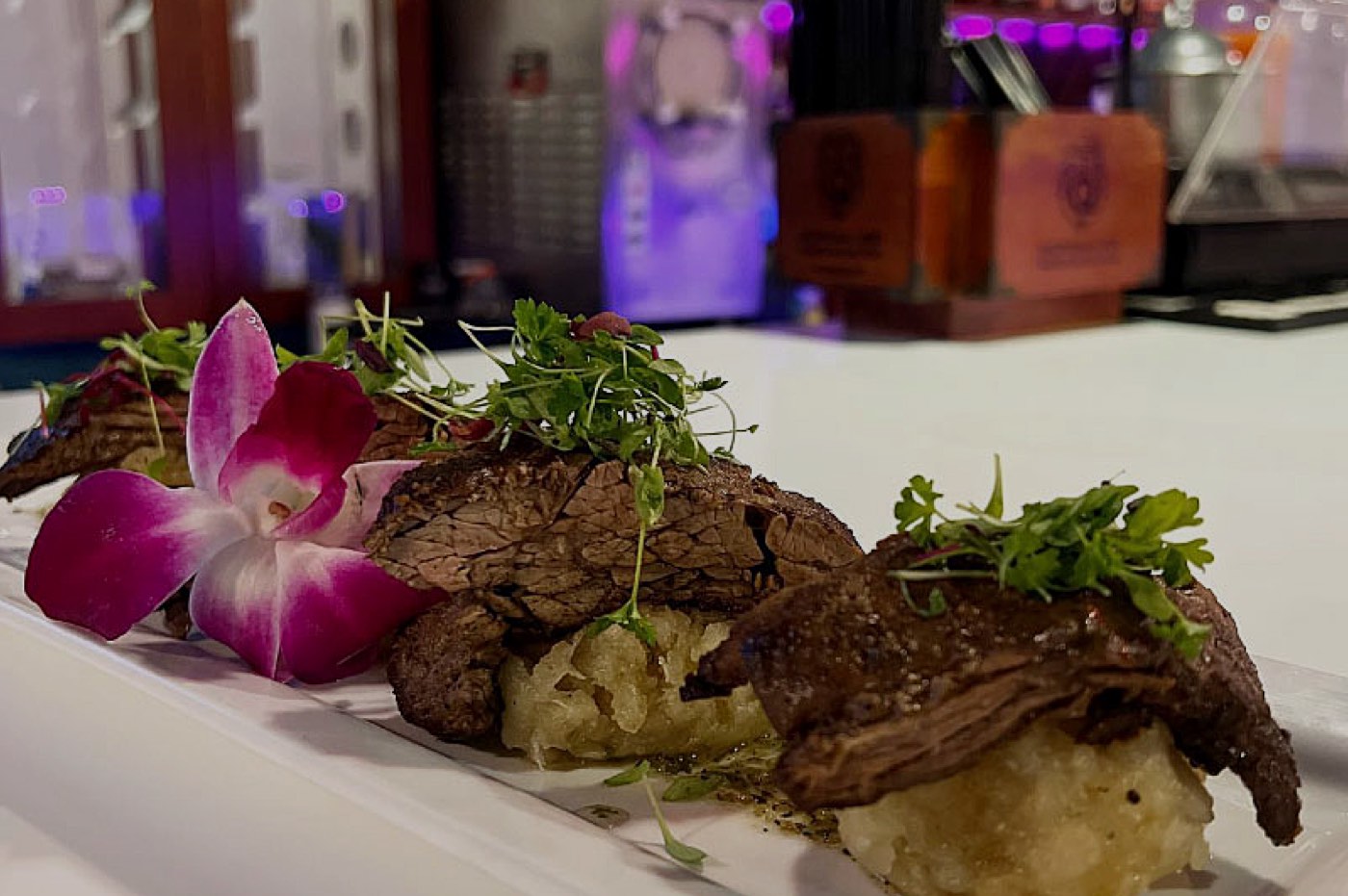
Infographic: Luna Rosa
As seen on





Contact us today to start growing your business
Speak to an expert.
Or call (800) 617-6067
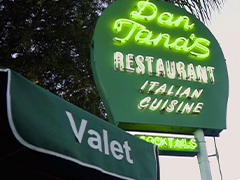
Check out our latest success story from restaurant partner, Dan Tana's.